How to Revoke NFT Approvals, Step by Step
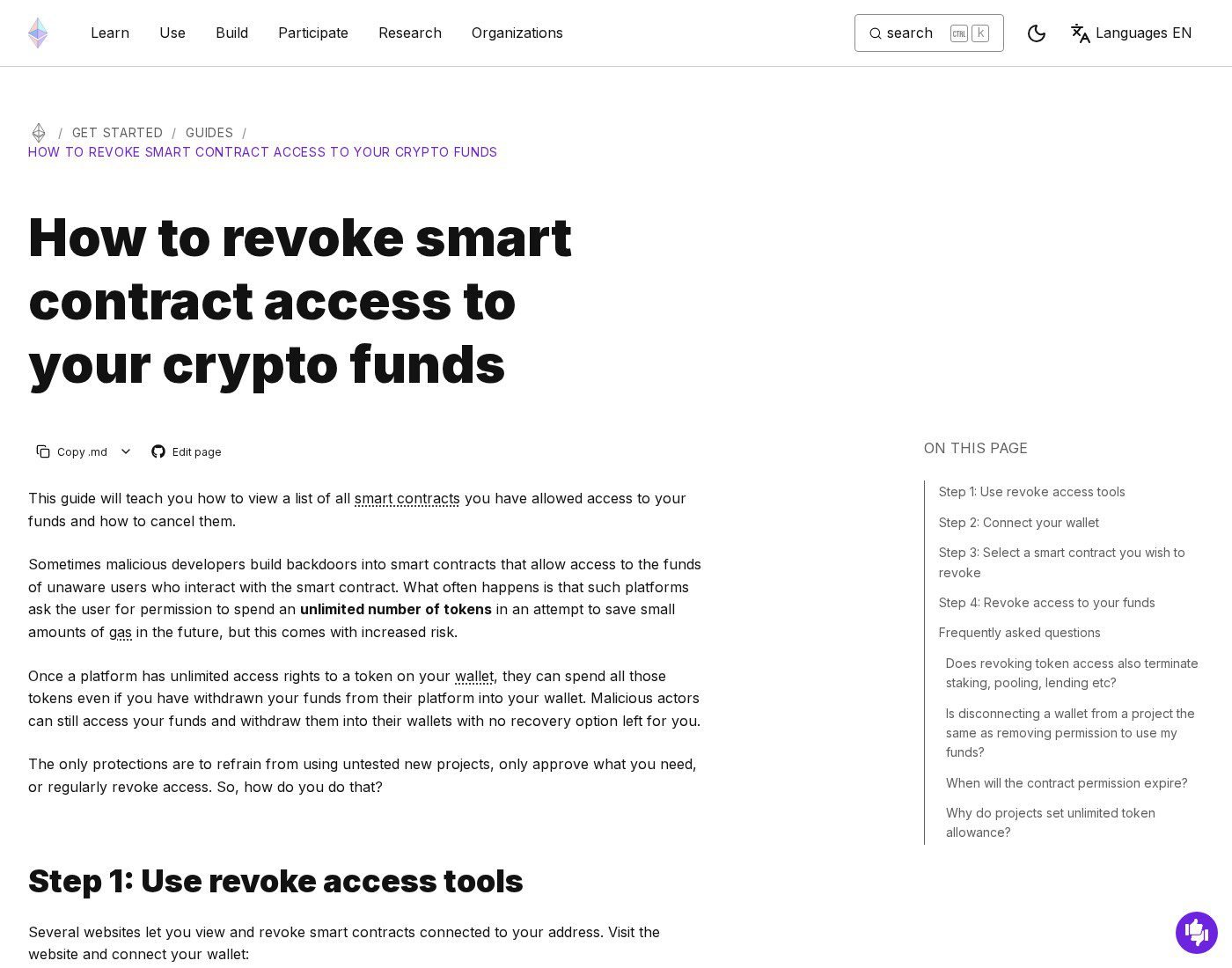
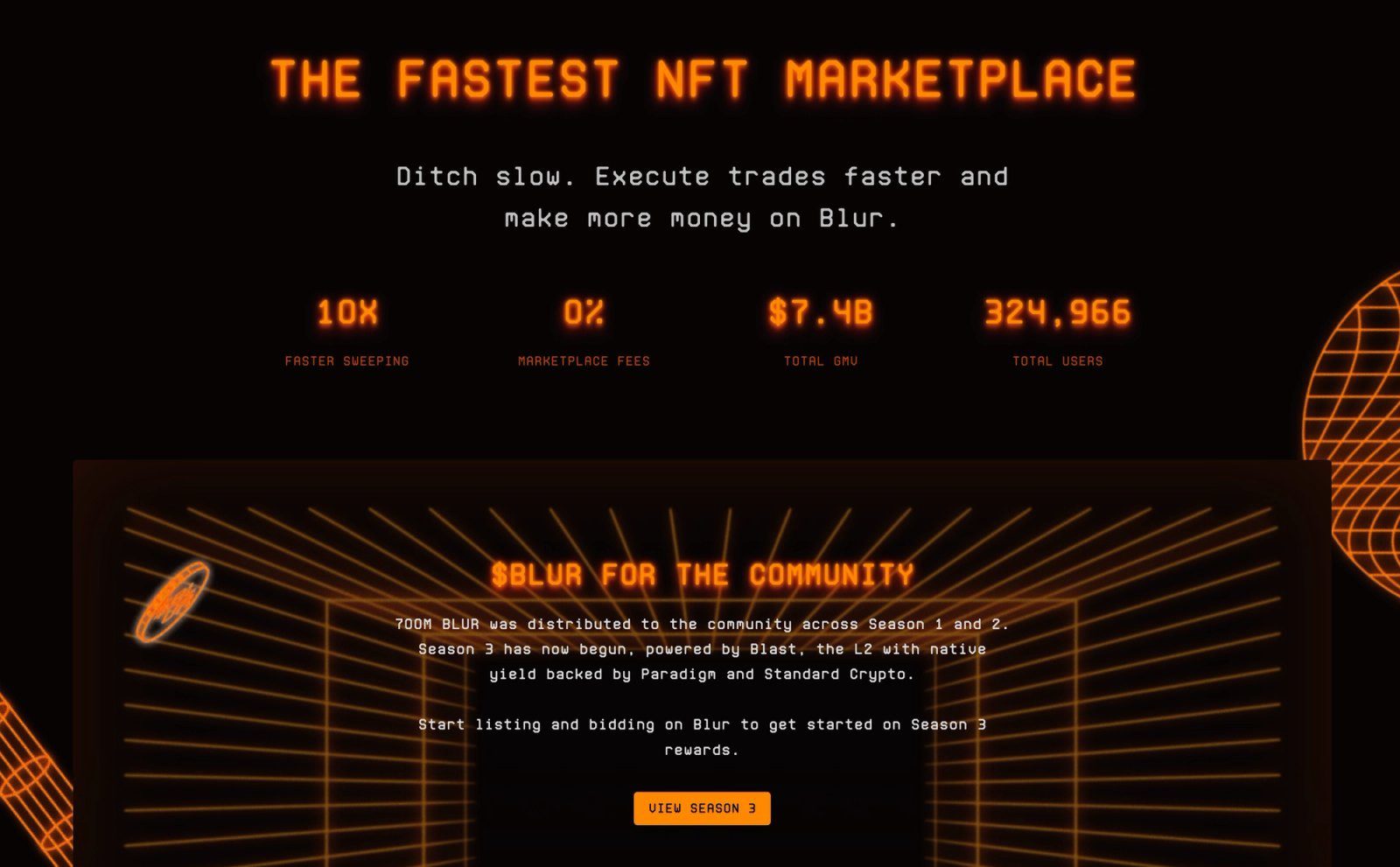
To revoke NFT approvals means canceling the onchain permission that lets a marketplace or other contract transfer your NFTs — usually granted with setApprovalForAll when you list, bid, or borrow. Disconnecting a dapp in your wallet is not the same step: ethereum.org is explicit that leftover allowances stay active until you revoke them, with no expiration date. With Blur’s blur.io frontend deprecating on November 12, 2026 (protocol stays onchain; Blend stops matching new loans the same day), this week is a practical window to clear Blur, Blend, and other stale marketplace approvals while the old UI is still easy to leave behind.
What an NFT approval actually is
Per Revoke.cash’s token-approvals explainer, NFT marketplaces typically rely on unlimited collection approvals (setApprovalForAll) so the operator can transfer any token in a collection you listed. Limited per-token approvals exist, but most listing flows use the unlimited form. Once granted, that mapping lives on the NFT contract until you set it back to false — not until you click “disconnect,” close a browser tab, or stop using the site.
That is the ownership hygiene problem behind our culture essay on forgotten marketplace approvals: the frontend can go dark while the permission stays hot. The PaymentProcessorV2 exploit and 0xQuit rescue showed how stale marketplace operator approvals become the attack surface when a contract is abused — revoke first, then reclaim.
Why Blur’s Nov 12 close is a revoke deadline
Blur’s official October 12, 2026 thread (covered in our Blur shutdown checklist) said blur.io’s frontend would be deprecated on November 12, 2026, while marketplace contracts remain operational on Ethereum, and that Blend would stop matching new loans that same day. Approvals you granted so Blur or Blend could move NFTs do not auto-expire when the website goes away. After Nov 12 you can still revoke onchain, but cleaning up while you remember which operators you used — and while the site still loads for related housekeeping — is simpler than reconstructing a years-old spend list later.
Method 1: Revoke NFT approvals with Revoke.cash
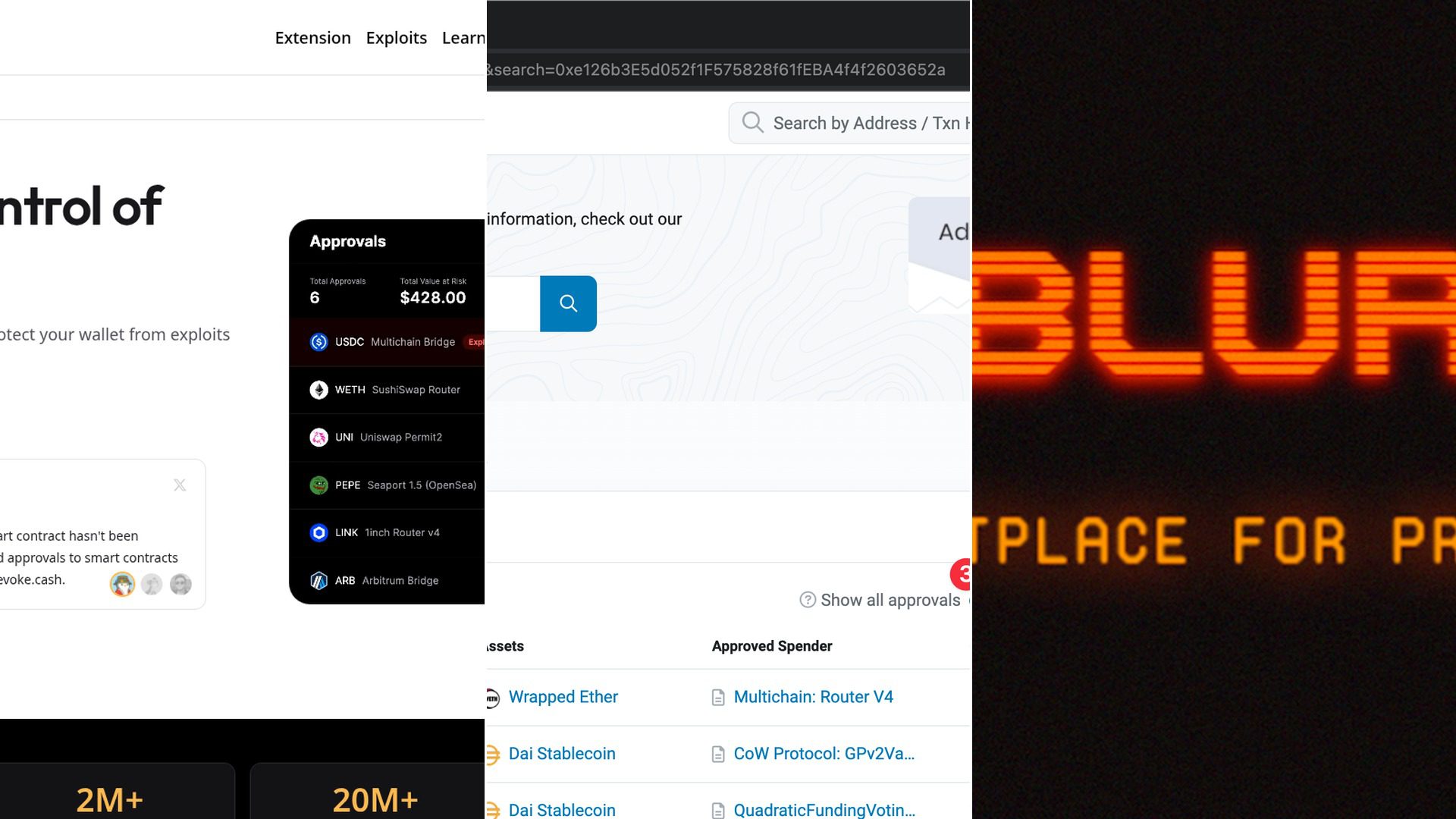
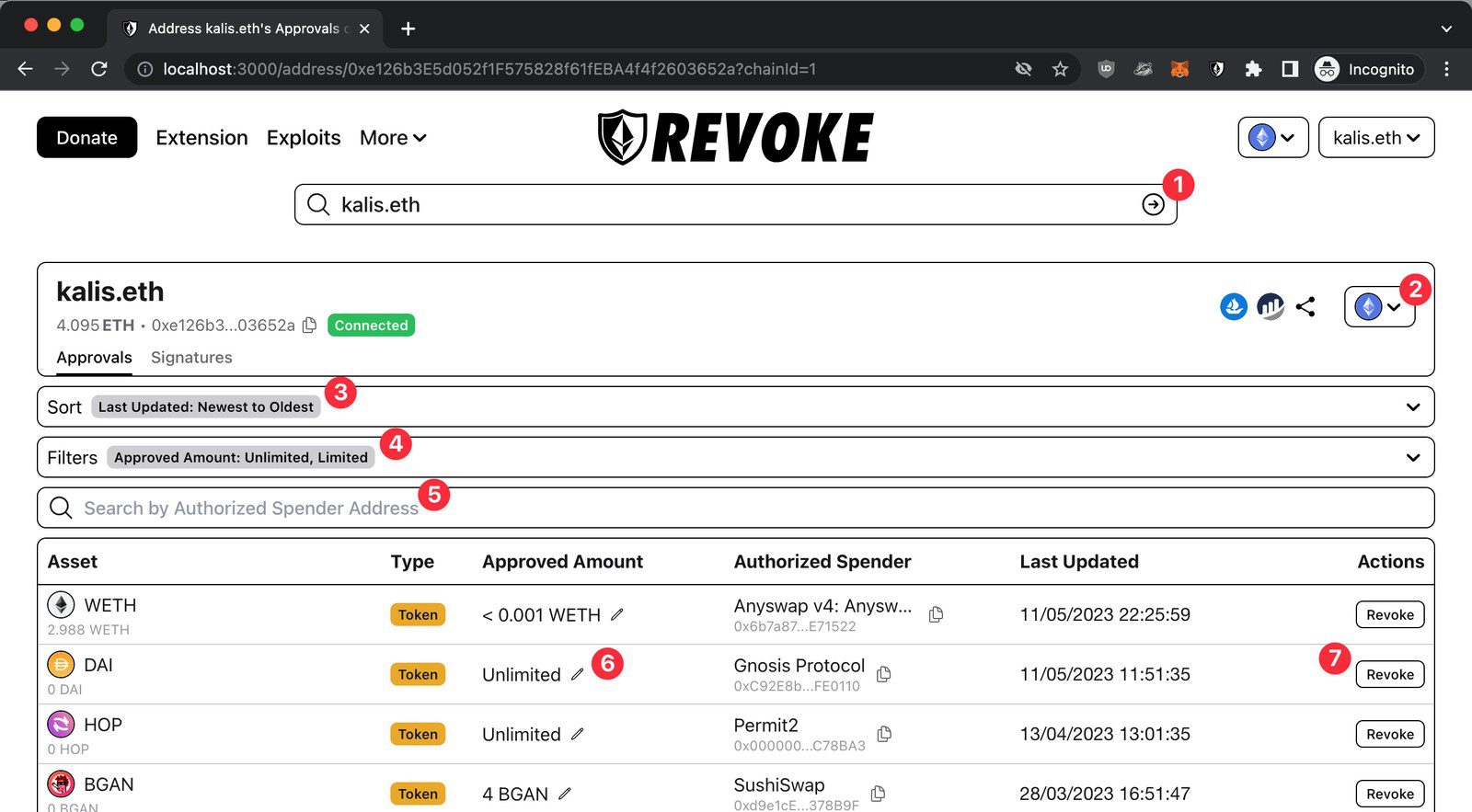
Revoke.cash is the multi-network tool listed by ethereum.org for reviewing and canceling approvals. Their own how-to walks the flow without requiring you to invent wallet menus:
- Open revoke.cash. Enter your wallet address or ENS, or connect the wallet that holds the NFTs.
- Select the network (Ethereum mainnet for most Blur/Blend and major marketplace approvals).
- Wait for the approval list to load. Sort Newest to Oldest if you suspect a bad signature; otherwise filter or search by spender when you know the operator.
- Find the marketplace or lending spender you no longer need — Blur, Blend, Seaport operators, Payment Processor-era contracts, and similar — and click Revoke.
- Confirm the revoke transaction in your wallet and pay the network fee. Refresh the list after it confirms to verify the row is gone.
Revoke.cash also lets you edit an allowance amount (pencil icon) when you still need limited access; for NFT setApprovalForAll rows you are usually turning the permission off entirely. Revoking does not move your NFTs out of your wallet, and ethereum.org notes it does not unwind staking or lending positions by itself — it only removes the spend permission.
Method 2: Revoke NFT approvals on Etherscan
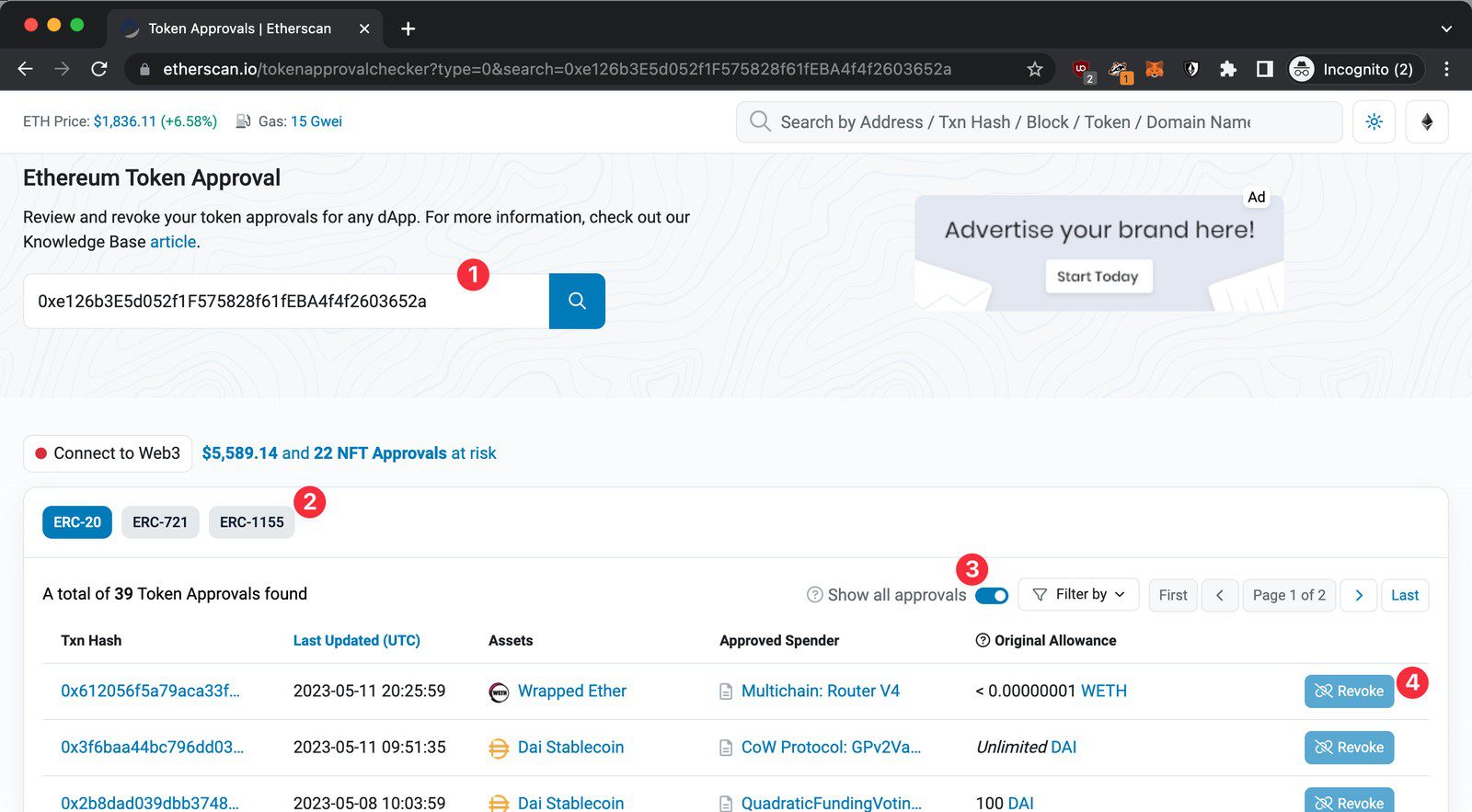
If you already live in the explorer, use Etherscan’s Token Approval Checker (also documented by OpenSea’s help center and Revoke.cash’s Etherscan section):
- Go to etherscan.io/tokenapprovalchecker (or open More → Token Approvals from the Etherscan top nav).
- Enter the wallet address that owns the NFTs, or connect that wallet.
- Open the ERC-721 and ERC-1155 tabs for NFT approvals (use ERC-20 for fungible allowances separately).
- Flip Show all approvals so you are not looking at a truncated list.
- Locate the spender you want to cut, click Revoke, confirm in your wallet, and pay gas.
For other chains, Revoke.cash’s docs point you to the matching explorer (Polygonscan, BscScan, and so on) with the same pattern. Stick to official explorer URLs; shutdown seasons attract fake “migration” and “support” pages.
A practical order of operations this week
- Before you revoke Blur/Blend: withdraw ETH from Blur’s bidding pool, cancel open listings/bids, and repay or close Blend loans while blur.io still helps — see the full collector checklist.
- Then revoke: clear Blur, Blend, and any other marketplace
setApprovalForAllrows you no longer use via Revoke.cash or Etherscan. - If you still hold Payment Processor–era approvals: treat them as high priority; our PaymentProcessorV2 write-up is the case study for why “I listed once years ago” is not a closed risk.
- Ignore cold DMs and “urgent claim” links that appear around the Nov 12 date. Blur’s thread warned about impersonators; nothing in the official announcement requires signing a new migration contract to keep your NFTs.
FAQ from ethereum.org, restated plainly
Is disconnecting my wallet the same as revoking? No. ethereum.org’s FAQ states that disconnecting leaves token allowances in place; you must revoke access separately.
Do approvals expire? No. Permissions can be used years after you granted them.
Will revoking break staking, pooling, or loans? ethereum.org says revoking token access does not terminate those strategies by itself — you stay in the position until you exit it through the protocol. Separately, if a lending product needed an NFT approval to seize collateral, revoking after you have closed the loan is the hygiene step; do not revoke mid-loan without understanding the product’s rules.
For more collector how-tos in this cluster, browse our guides. The culture layer sits in forgotten marketplace approvals; this page is the screens-free checklist to act on before Blur’s frontend goes dark.
Primary sources: ethereum.org — How to revoke smart contract access (updated Oct 16, 2026); Revoke.cash — What Are Token Approvals?; Revoke.cash — How to Revoke Token Approvals; Etherscan Token Approval Checker; OpenSea Help — revoke approvals on Ethereum; Blur @blur_io Oct 12, 2026 shutdown thread via our Blur shutdown coverage.